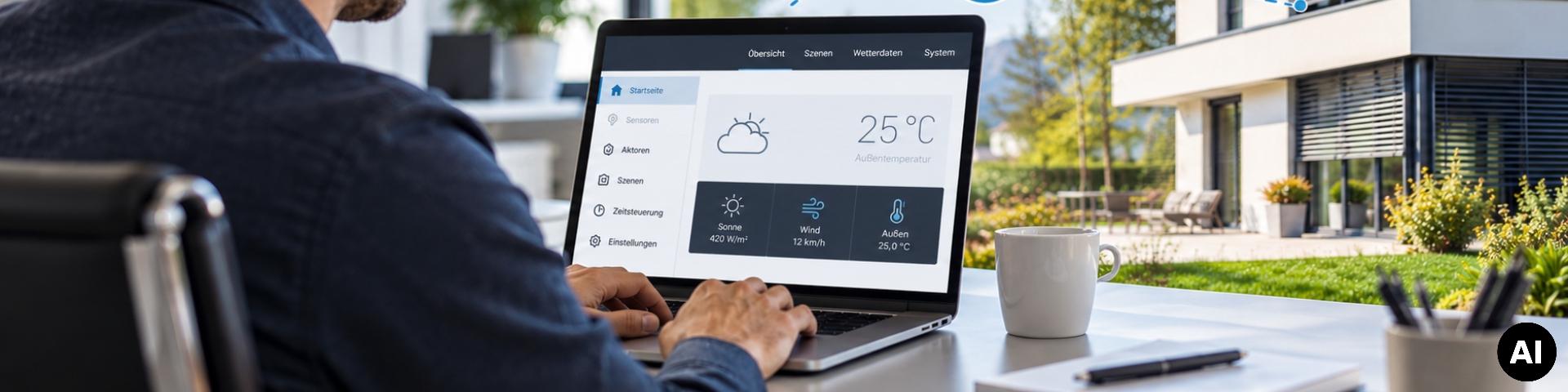
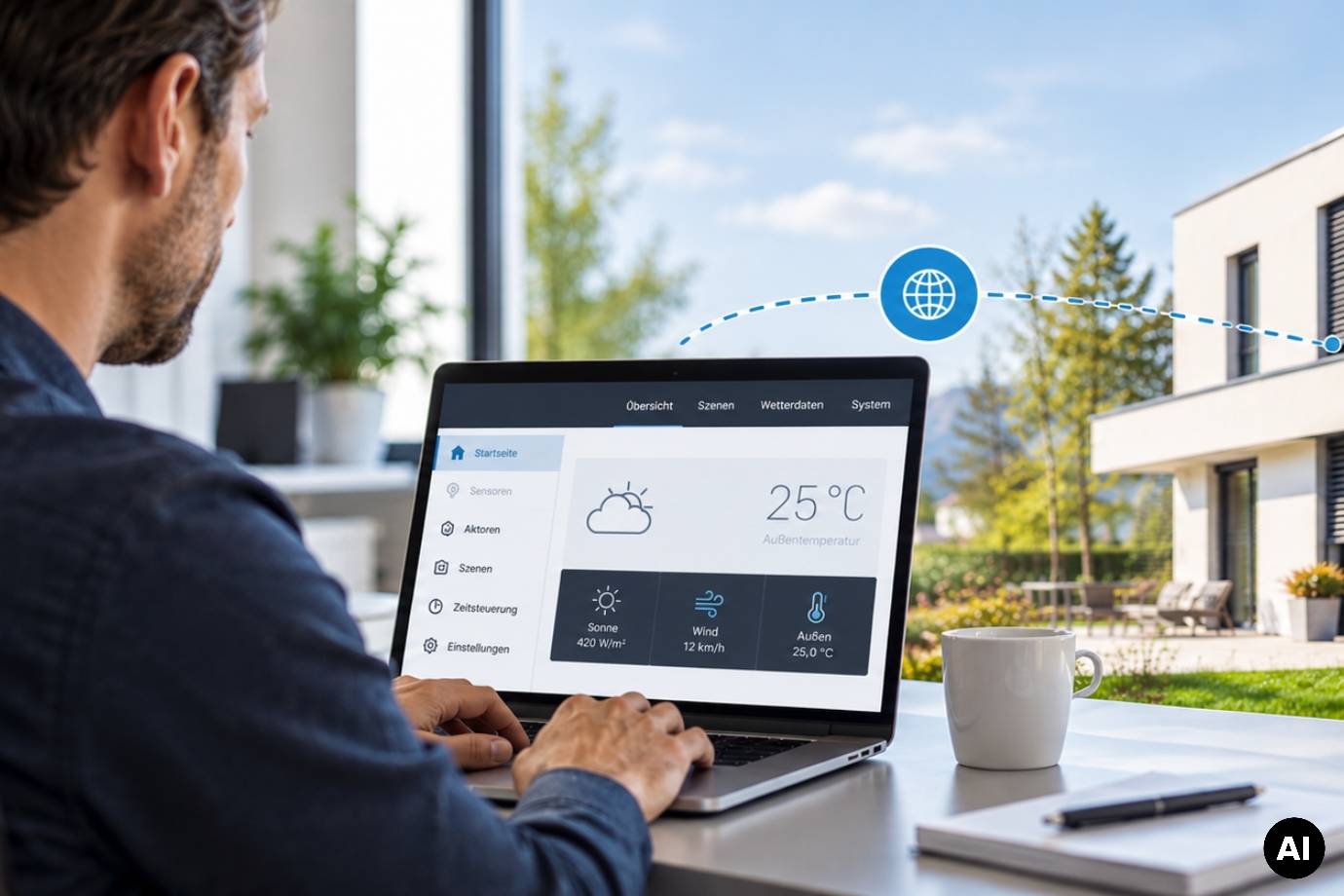
Man working on a laptop showing the user interface of a building control system, with a modern house in the background (AI-generated image)Man working on a laptop showing the user interface of a building control system, with a modern house in the background (AI-generated image)

WS1000 Connect: Service via remote maintenance

News of 29 October 2026

Customer service straight from your office

When customers still want changes after a building control system has been commissioned, another on-site appointment is often required. This takes time and means additional journeys.

With the remote maintenance function of the WS1000 Connect building control system, you can handle many of these service tasks directly from your office. Whether you are adjusting automation settings, checking drives or answering customer questions, you access the controller’s user interface via TeamViewer.

In this article, we show you how it works and what remote maintenance can do for you.

Step by step

How remote maintenance works with WS1000 Connect

  1. Connect to Wi-Fi: Make sure WS1000 Connect is connected to Wi-Fi.
  2. Activate remote maintenance: The customer activates remote maintenance in the service menu on the display.
  3. Share the ID: A TeamViewer ID appears on the WS1000 Connect display, which the customer passes on to you.
  4. Establish the connection: Enter the ID in TeamViewer on your PC.
  5. Confirm access: The customer confirms remote access directly on the display.

You can then access the WS1000 Connect user interface and make the required settings remotely.

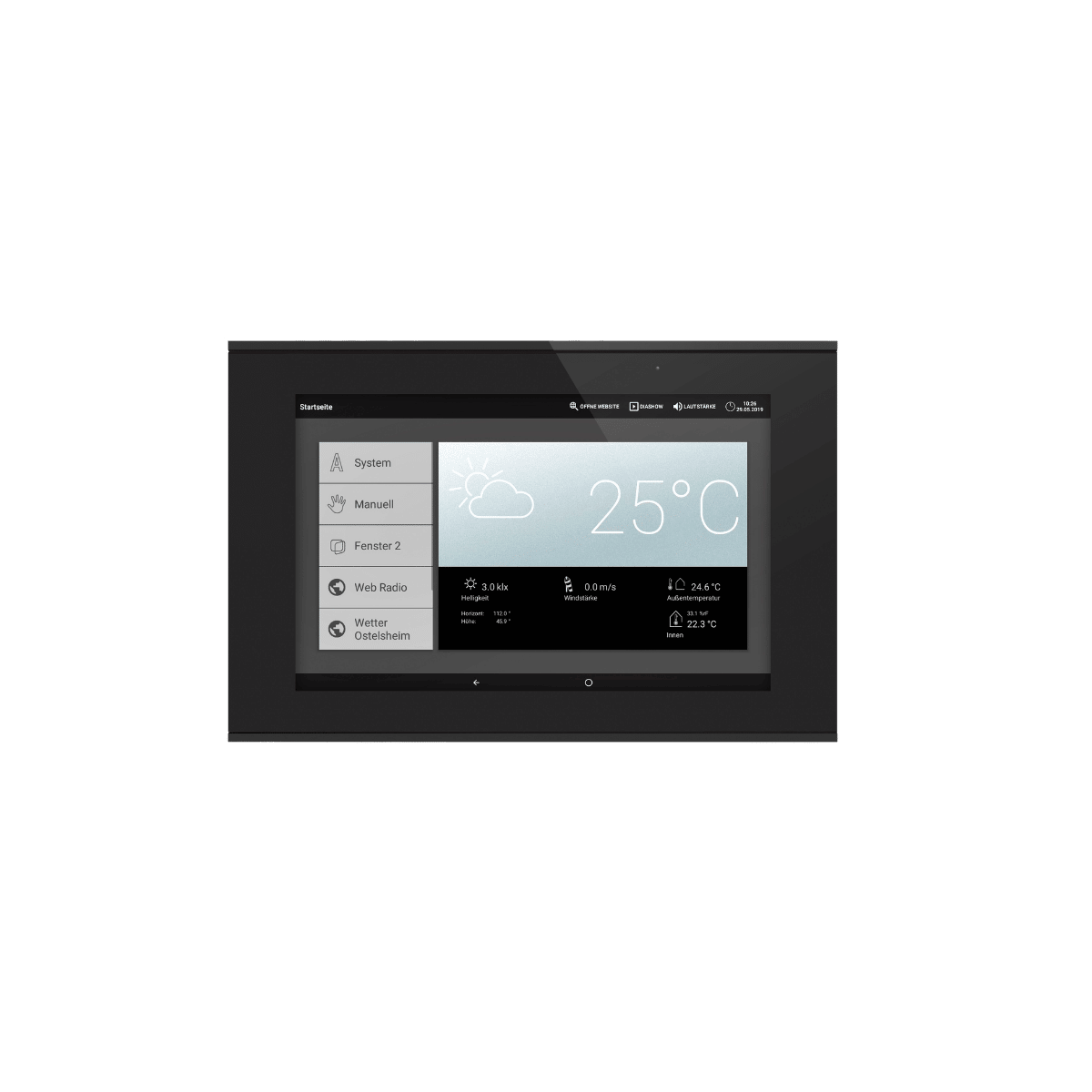
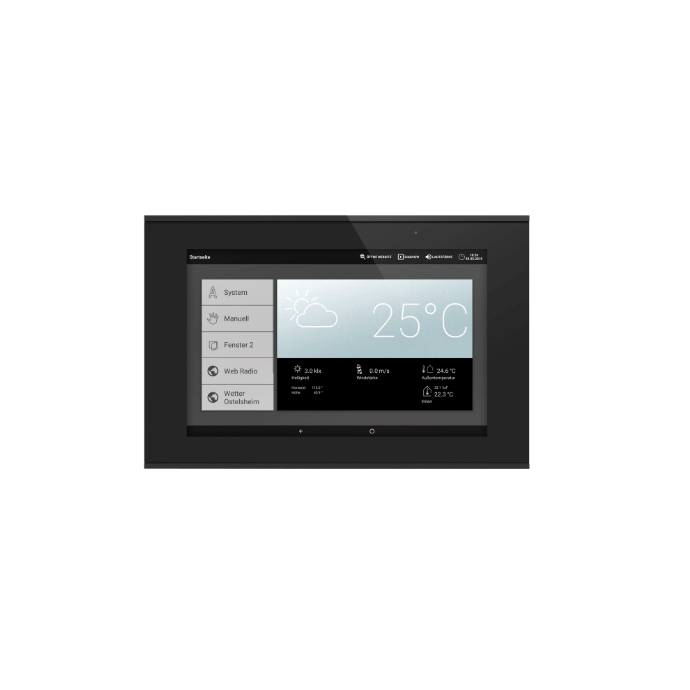
WS1000 Connect display showing the start screen, menu and weather dataWS1000 Connect display showing the start screen, menu and weather data
Practical benefits

How remote maintenance helps

Icon of a gear with an arrow
Adjust automation

Shading and window automation settings can be changed later on, for example when a customer would like a different response to sun or wind. You make the adjustments directly in the user interface.

Icon of a venetian blind with an up and down arrow
Check drives

Use manual control to operate awnings, venetian blinds or windows and check how they respond. Make sure the movements are monitored on site and that nobody is within the danger zone.

Icon of a screen with a magnifying glass and a tick
Review settings

You see the same view as on the display. This lets you check settings, keep an eye on the readings and answer your customers’ questions precisely. Many queries can be resolved in the first conversation.

Community project

Connecting WS1000 Connect to Home Assistant

An open-source integration for Home Assistant is available for WS1000 Connect, developed by a user from the GitHub community. It brings the controller’s data into Home Assistant via the local network, displays it there and allows individual functions to be operated. Automation and protective functions continue to run in WS1000 Connect.

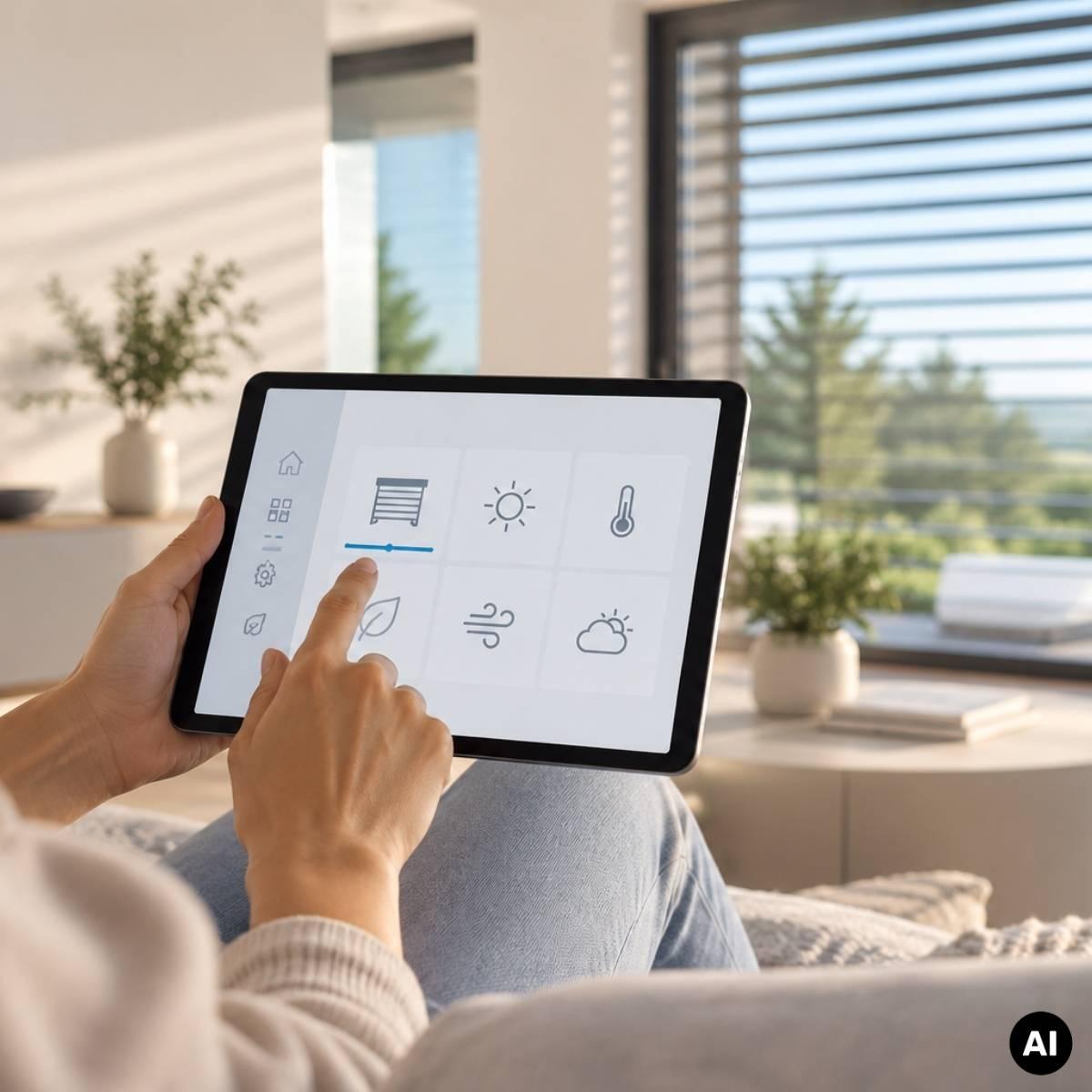
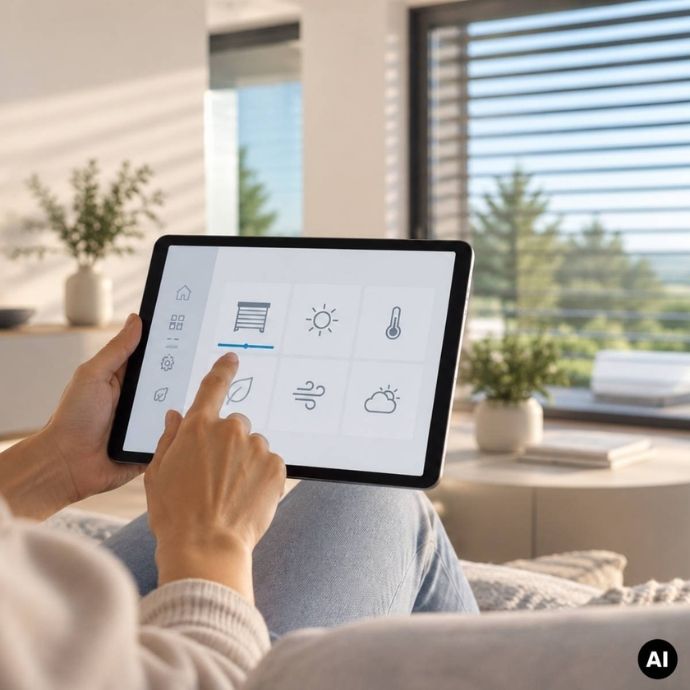
Hand operating a tablet with icons for shading, lighting, temperature and weather in a bright living room (AI-generated image)Hand operating a tablet with icons for shading, lighting, temperature and weather in a bright living room (AI-generated image)
More practical knowledge

WS1000 Connect in detail

To find out what WS1000 Connect can do beyond remote maintenance, read our product article. It presents the building control system in detail, from the display, scenes and time control through to local data storage and radio-based expansion options.

Webinar recordings and explainer videos on WS1000 Connect are available on our YouTube channel.

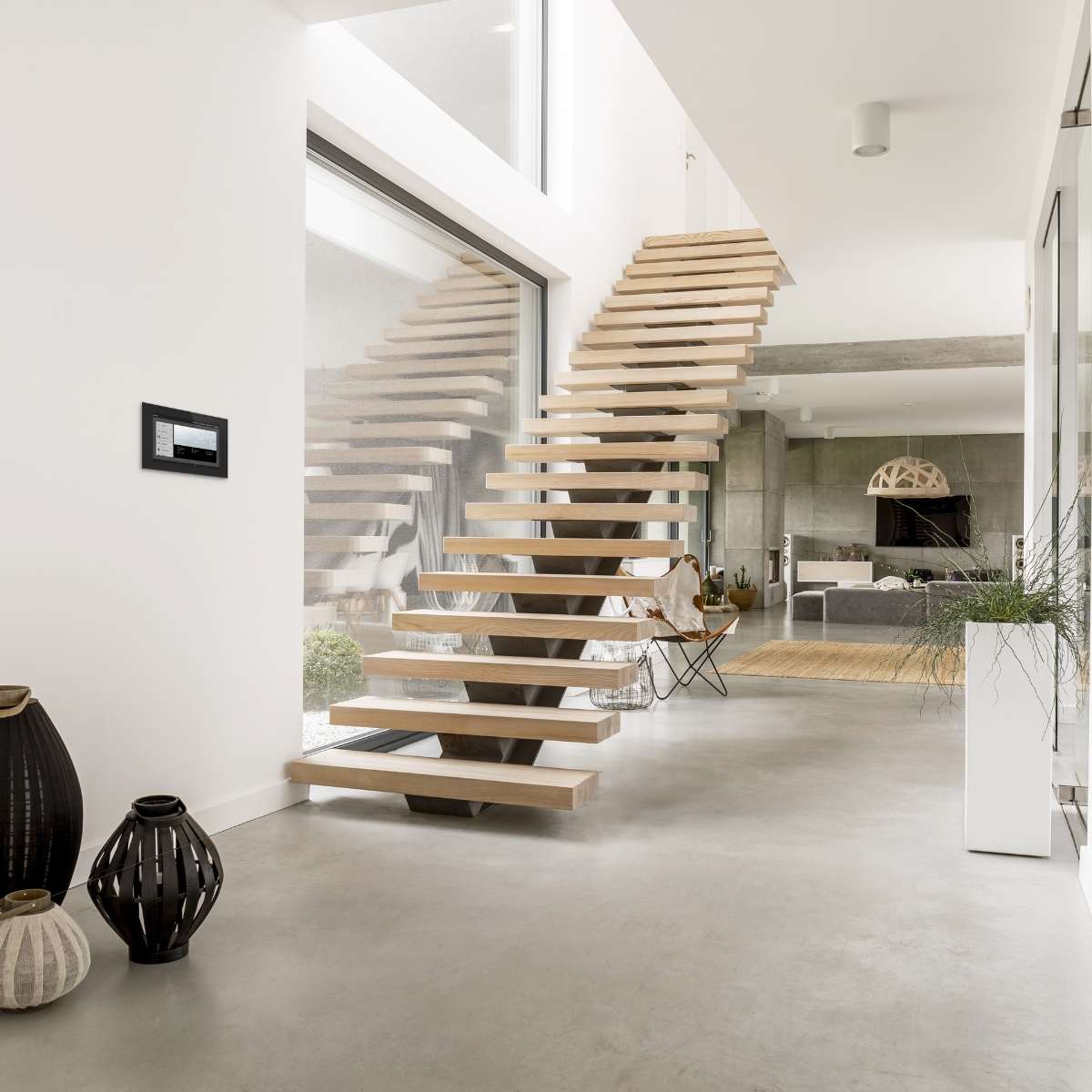
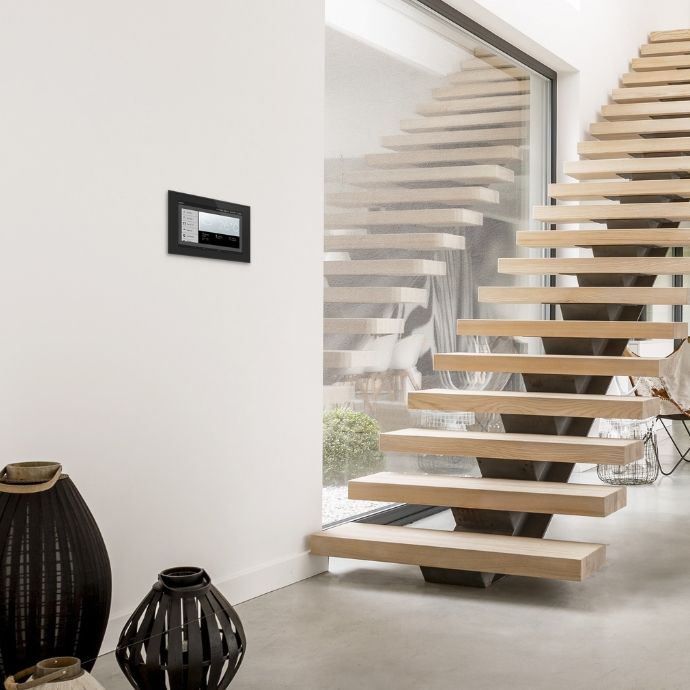
WS1000 Connect on the wall next to a floating wooden staircase in a bright living spaceWS1000 Connect on the wall next to a floating wooden staircase in a bright living space
Technical articles

You might also be interested in:

Modern house with conservatory and green lawn in front
Finding the right control system for your smart home

Consider expandability and data security right from the start.

More about the right control system
Solexa Home Set control panel on a white table in a modern living space
Automatic control for shading, lighting and climate

Solexa Home provides automatic shading and an optimal indoor climate, locally, without the need for a cloud connection, and always tailored to the current weather conditions.

More about Solexa Home
A modern office building under a blue sky
Ventilation control in smart buildings: efficiency, safety, comfort

How integrated ventilation control increases efficiency, meets standards and connects systems.

More about ventilation control

Garantie légale

Avis harmonisé de l'UE sur la garantie légale

Protection offerte par la garantie légale minimale de deux ans sur des biens vendus dans l'Union européenne.

Les consommateurs peuvent faire valoir leurs droits au titre de la garantie légale de conformité, par exemple si les biens:

  • ne correspondent pas à la description;
  • ne fonctionnent pas comme prévu.

Les vendeurs sont responsables de tout défaut de conformité qui existait au moment de la livraison des biens et qui apparaît pendant la période de garantie légale. Les vendeurs se trouvant dans une telle situation sont tenus de proposer:

  • une réparation gratuite ou un remplacement gratuit;
  • dans certains cas, une réduction de prix ou un remboursement intégral.

Dans certains pays, la période de garantie légale est plus longue. Pour les biens d'occasion, une période plus courte peut s'appliquer, mais elle ne peut être inférieure à un an.

Que faire si vous recevez des biens non conformes:

  1. contactez le vendeur dès que possible pour signaler le problème;
  2. fournissez une preuve d'achat, telle qu'un reçu, une facture ou un relevé bancaire.

Les vendeurs et les producteurs peuvent également offrir des garanties commerciales, qui s'appliquent indépendamment de la garantie légale. Par exemple, il se peut que votre bien affiche ce label GARAN, représentant une garantie commerciale de durabilité offerte par le producteur sans frais supplémentaires et s'appliquant à l'ensemble du bien.

Pour en savoir plus sur vos droits dans un pays donné, consultez la page ci-dessous ou demandez au vendeur. https://europa.eu/youreurope/garanties