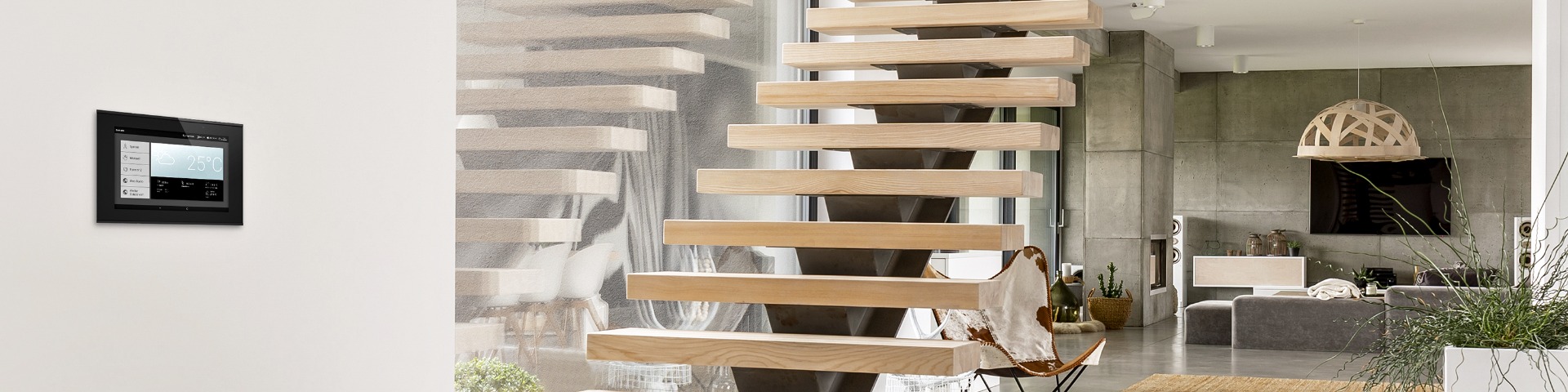
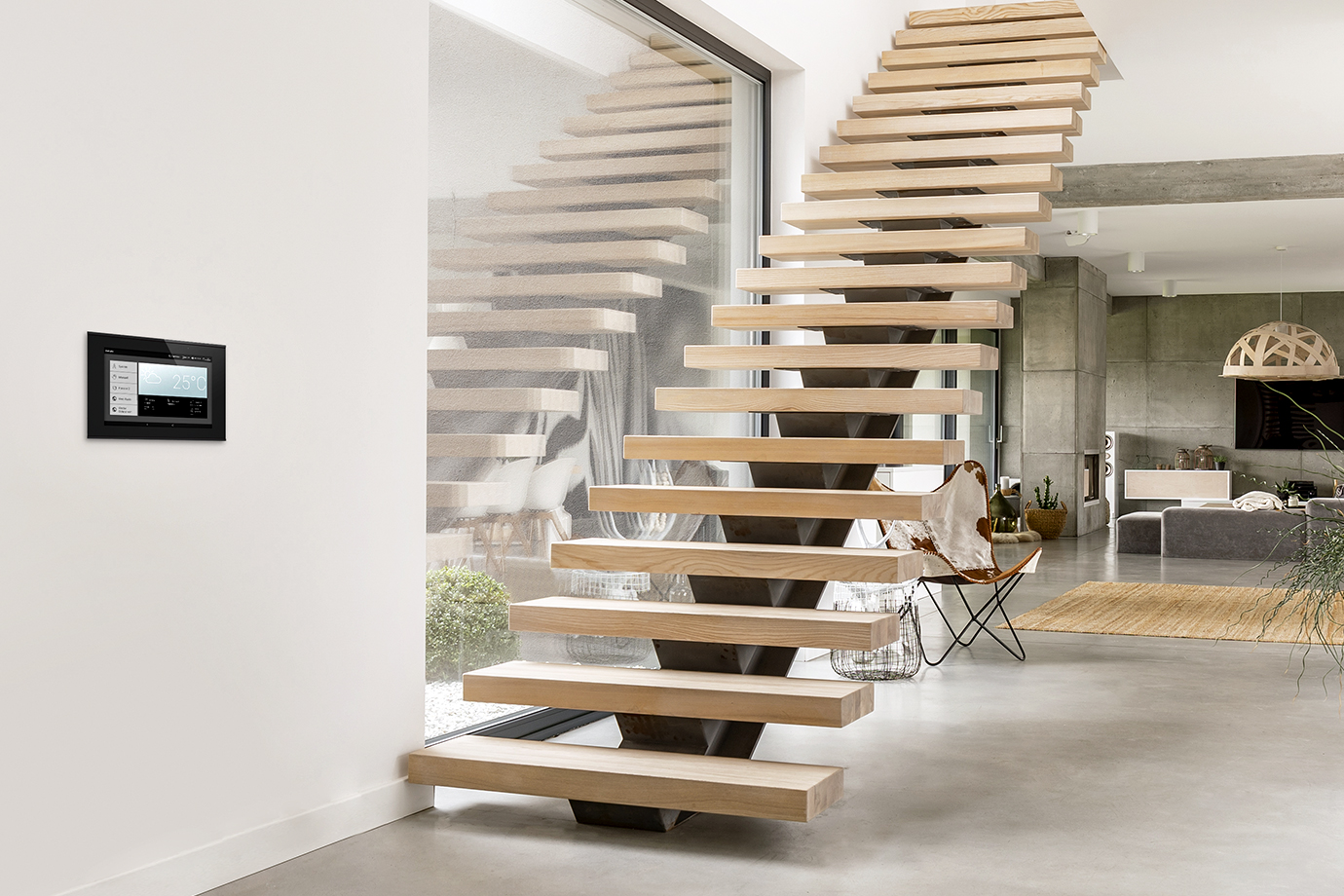
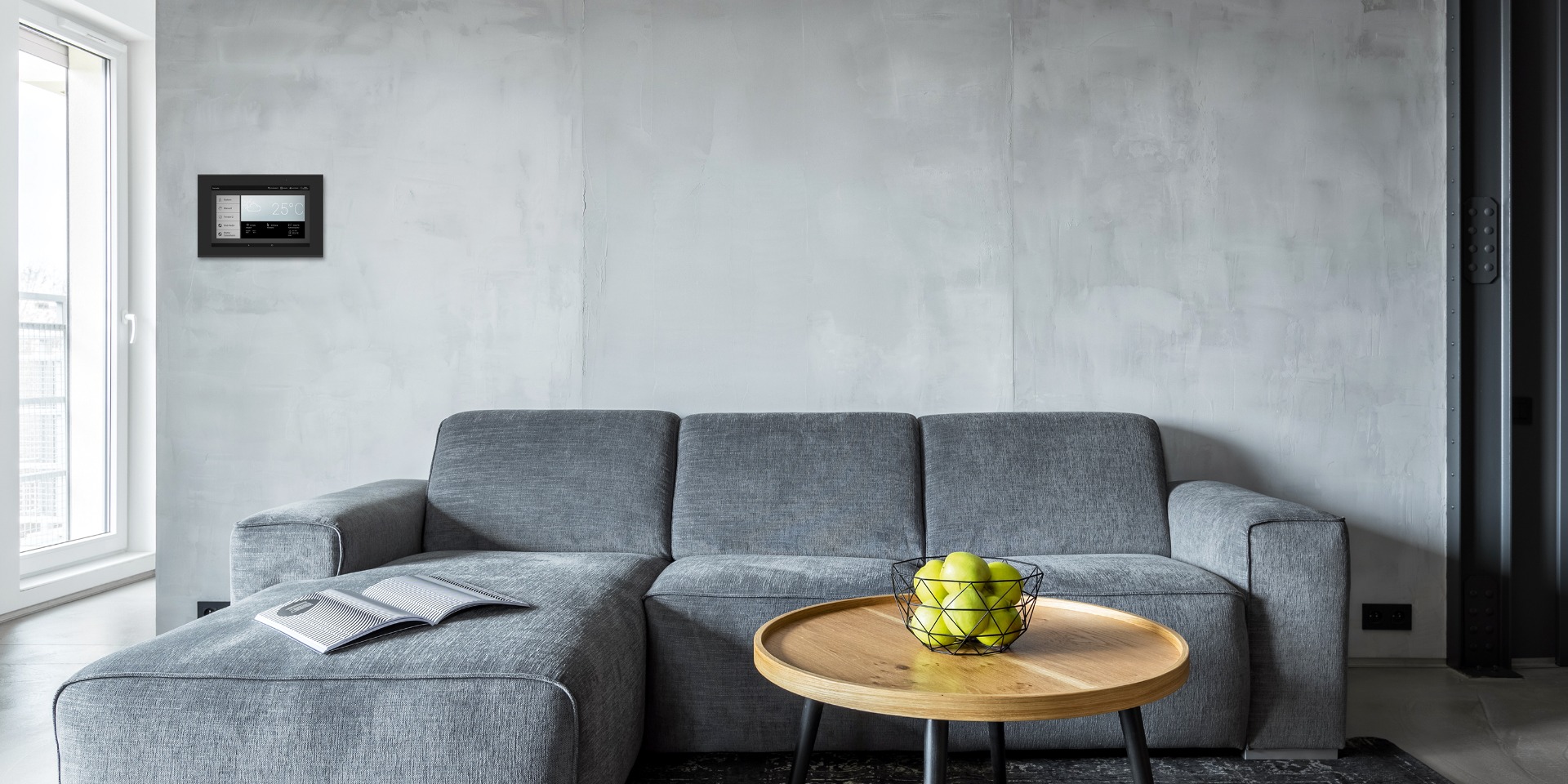
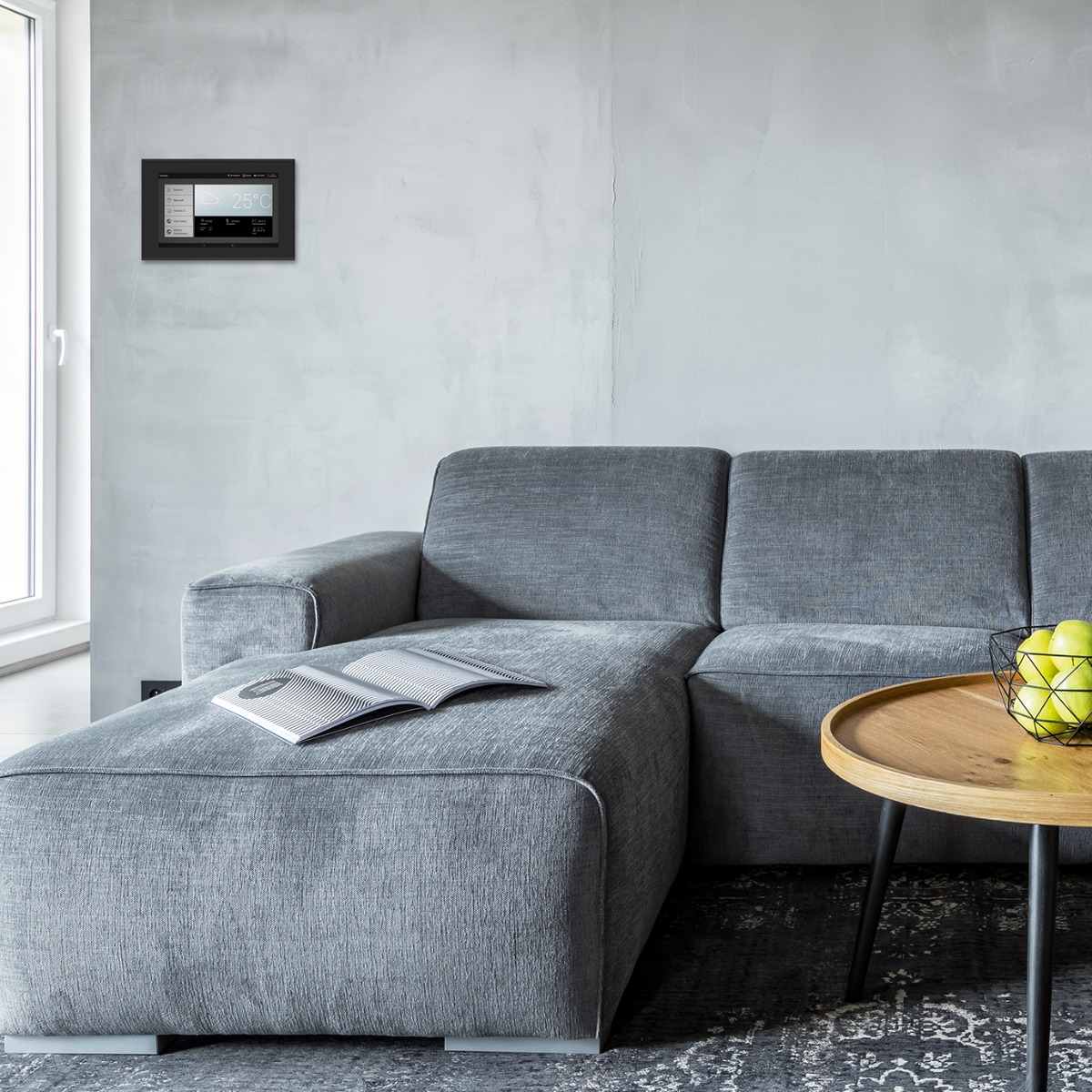
Smart Home with WS1000 Connect building control unit on the wallSmart Home with WS1000 Connect building control unit on the wall

Central building control in the Smart Home with WS1000 Connect

Use cloud-free building control technology and still benefit from network functions

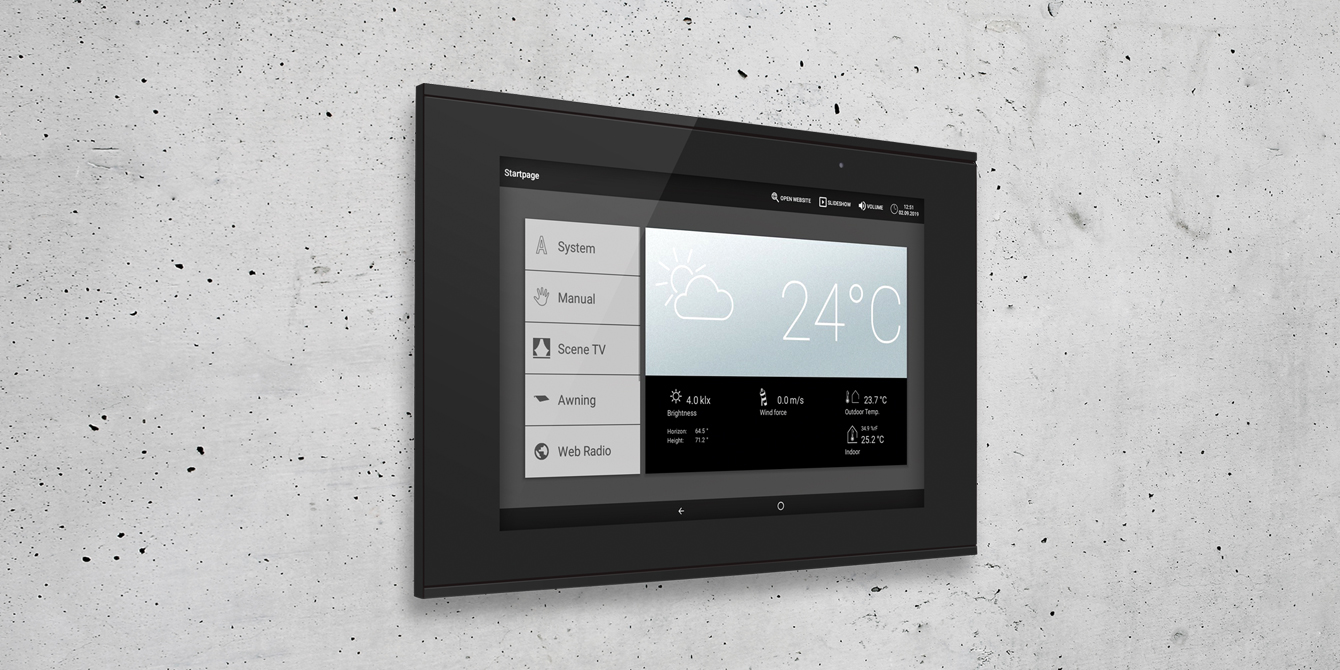
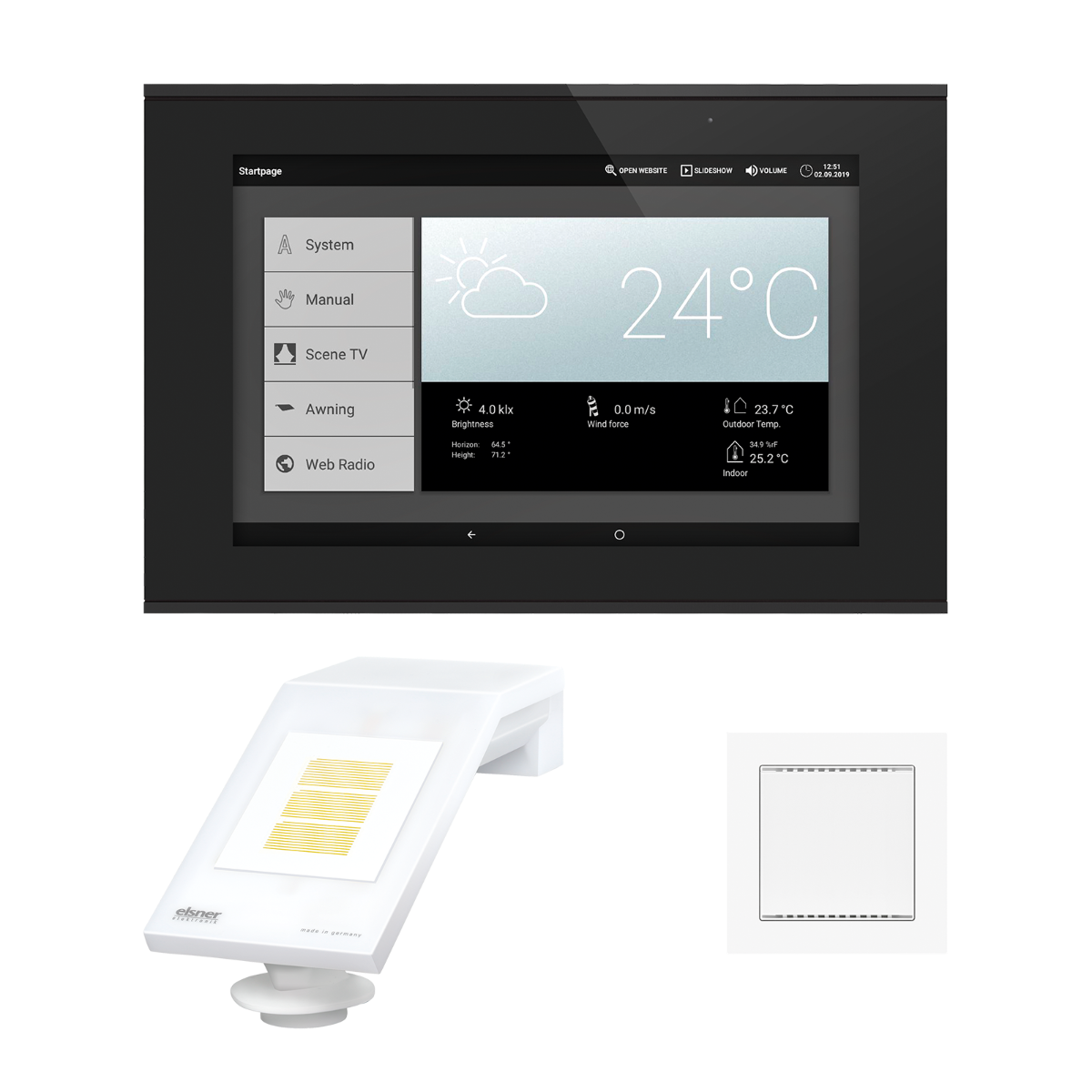
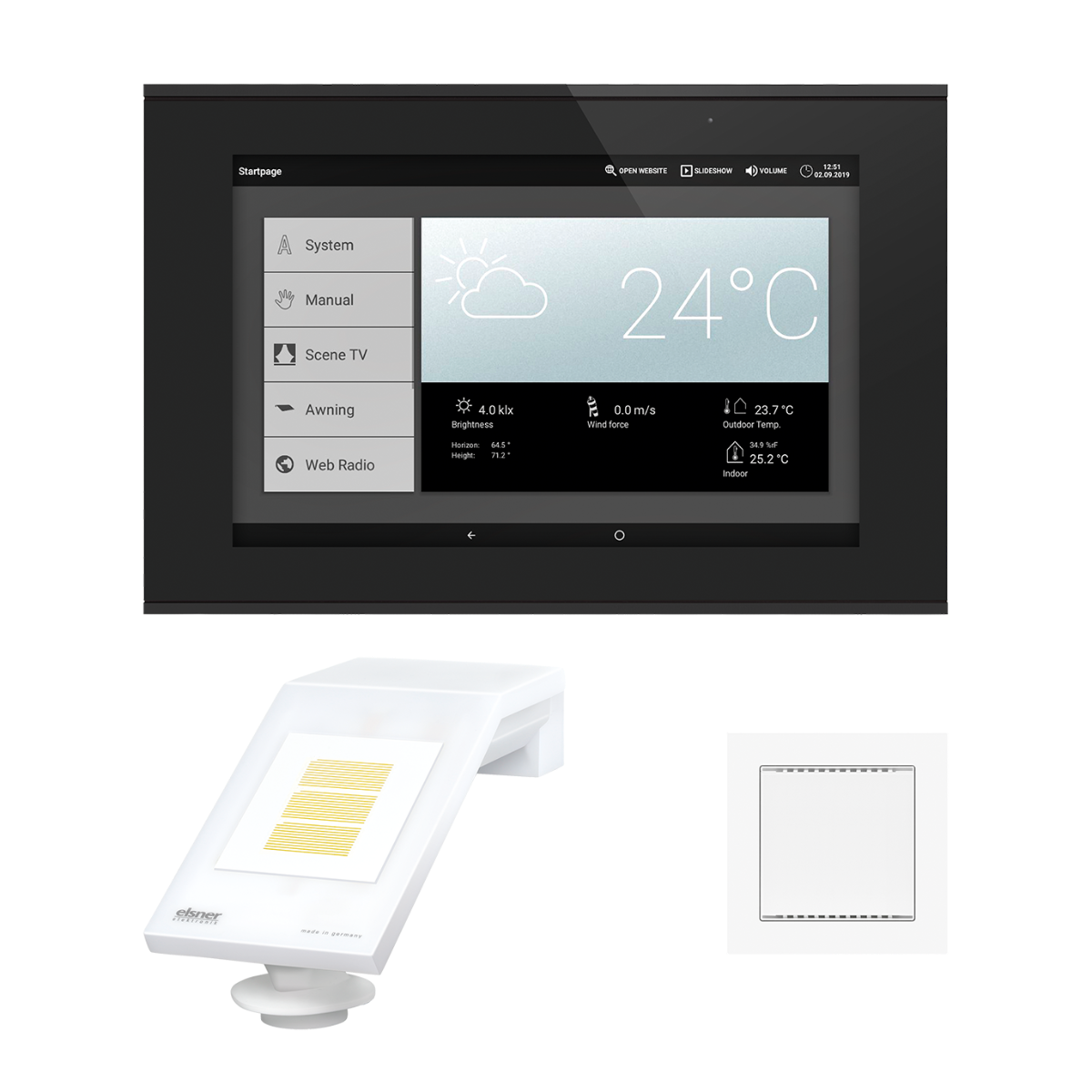
Get to know WS1000 Connect, the building control system from Elsner Elektronik! This consists of a touch display mounted on the wall, which automatically regulates all functions and at the same time is the control centre for building technology.

WS1000 Connect takes over the classic functions of building control: room climate control via sun shading, ventilation, heating and the protection of technology and equipment against wind and rain. Energy-saving options are taken into account at all times.

WS1000 Connect in our Online Shop
Building Control System WS1000 ConnectBuilding Control System WS1000 Connect
WS1000 Connect

Additional functions

With modern additional functions, however, WS1000 Connect provides more comfort and safety. Light can be controlled on a time-related basis as required. In so-called scenes, the user can save combinations of driving positions and switching states and then recall them with just a touch of a finger. For example, closed roller shutters and dimmed light for the "TV evening" or closed east blinds and switched-on ambient lighting in the kitchen for "breakfast".

Signals from motion and smoke detectors trigger defined security scenarios. "Burglar protection", for example, involves closing windows and switching on luminaires. In the event of a "fire alarm", windows and shades are opened so that smoke can escape and escape routes are clear.

Integrated browser

Home centre with internet connection

WS1000 Connect's display serves as a screen for web content and is therefore also a multimedia centre where music is started or the weather forecast is quickly retrieved. An integrated browser enables "surfing" directly at the control.

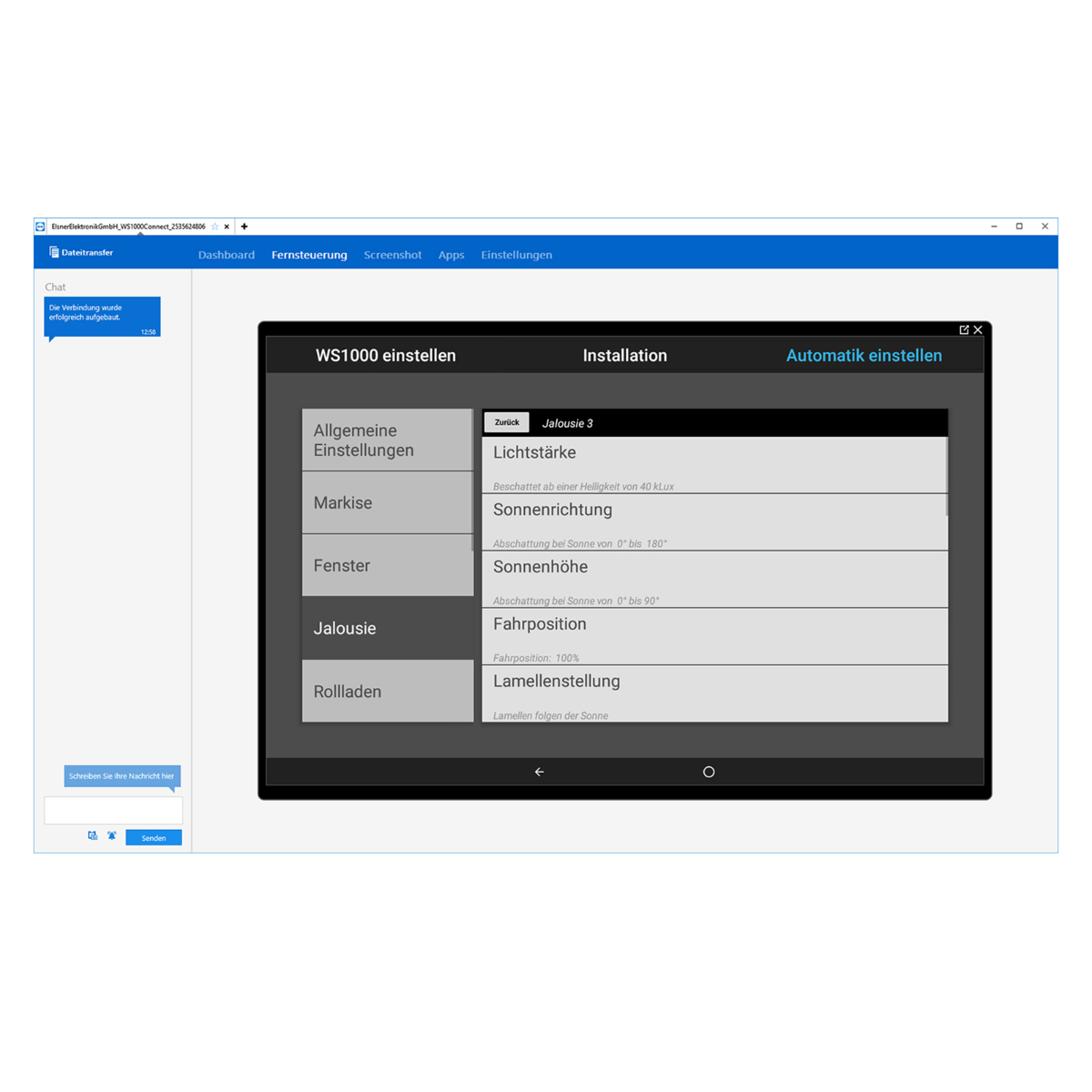
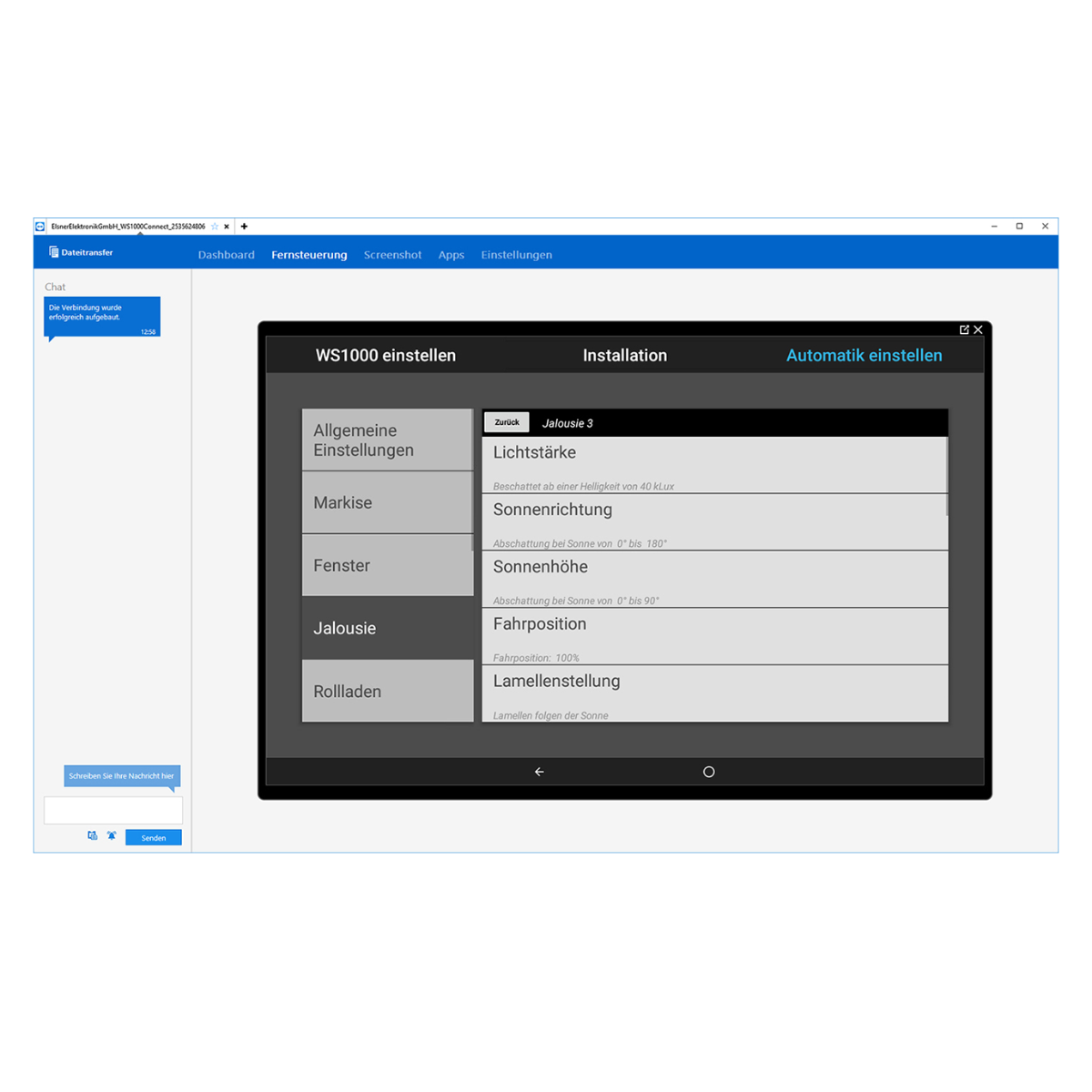
The integration of the controller into the home network and the Internet also offers advantages during installation and maintenance: With a pre-installed remote maintenance tool, the user can grant an electrician or service technician access to his controller. This enables quick and concrete assistance in setting up the control system without travel costs. 

Software updates are also possible via the internet. These must be actively downloaded by the user – there are no automatic accesses. 

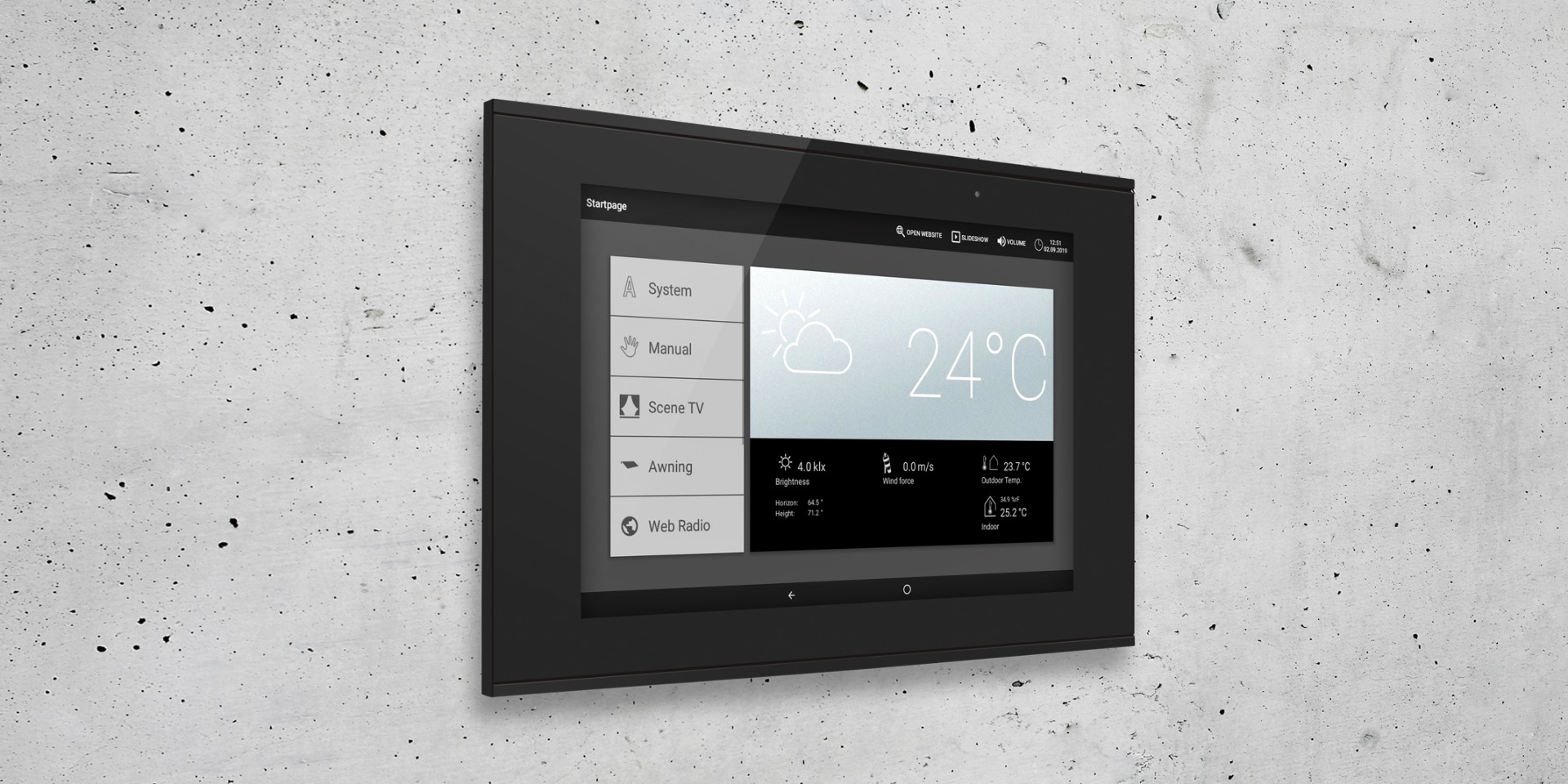
Screenshot of WS1000 Connect displayScreenshot of WS1000 Connect display
WS1000 Connect

Access and data security

The topic of access and data security is an important issue in home automation. Concerning the WS1000 Connect, the basic rule is: control data remain in the house! Setting and operating data are only stored in the device. The WS1000 is therefore "cloud-free". Anyone who wants to save their control data uses a micro SD card. Updates can also be downloaded to the controller in this way without an internet connection.

The network and internet connection of the WS1000 Connect is a "can", not a "must", as all building control functions run "offline".

Only if you want to use the WS1000 Connect App must integrate the controller into their WLAN.

WS1000 Connect building control unit integrated into a living room wallWS1000 Connect building control unit integrated into a living room wall

Energy-efficient and comfortable room climate control

The climate and protection functions for the "Smart Home" run reliably in the background: solar heat is let in until the desired room temperature is reached, then blinds, shutters and awnings close.

Depending on the position of the sun, the incidence of light is controlled by closing shades and turning blinds. This means thermal protection on the sunny side and as much view as possible at the same time. Visual protection functions are set individually, as are time functions. This not only involves closing roller shutters in the evening, but also avoiding motor noises at night, e.g. by keeping windows open or closed at bedtime as required.

The signal for ventilating as well as for switching on the heating is otherwise given by the values of the interior sensor. Automatic ventilation improves air quality and regulates room temperature and humidity. The control system prevents heating and ventilation at the same time. The perfect round-the-clock interaction of all functions optimises the building's energy consumption.

WS1000 Connect in our Online Shop
Convenient operation

Central touch screen and app

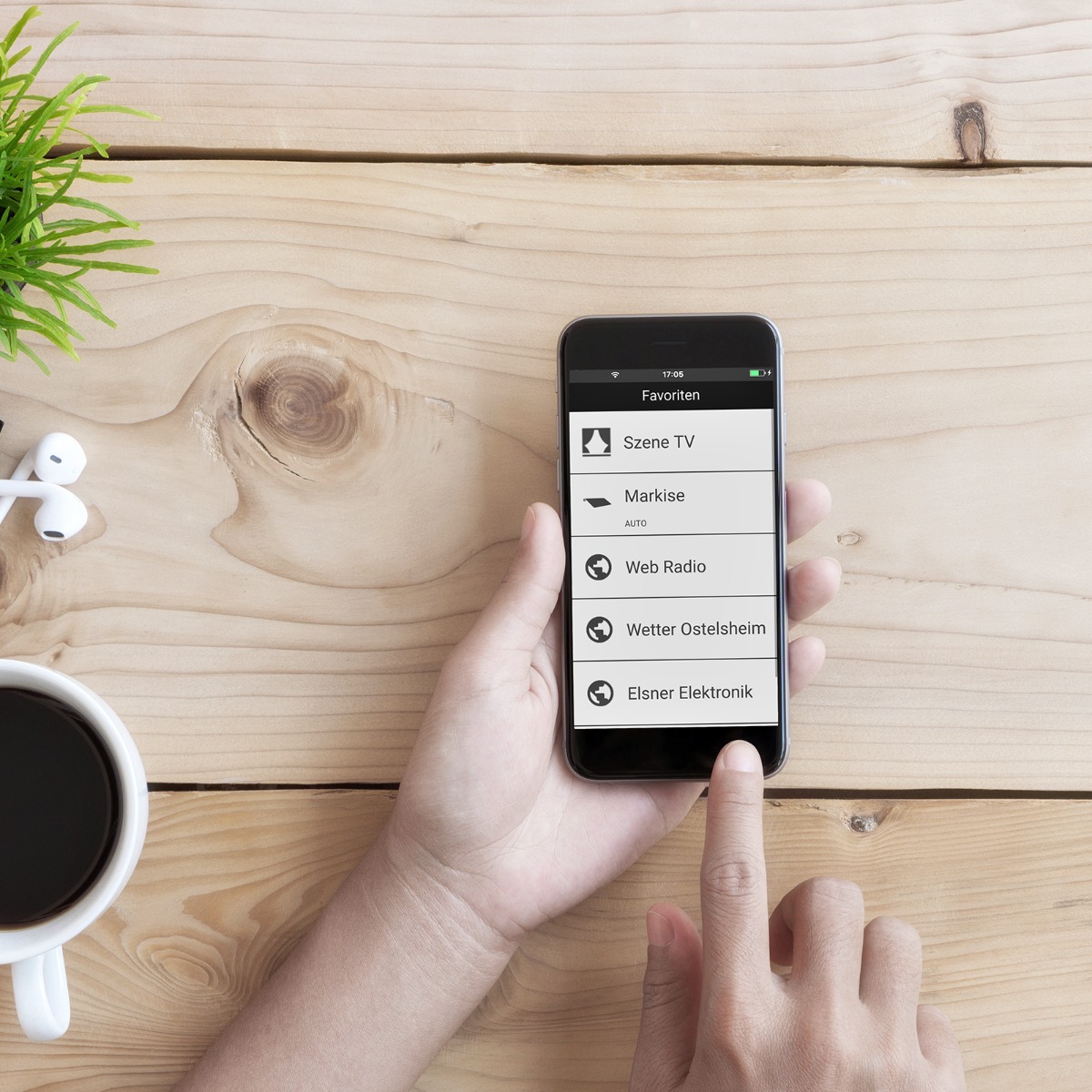
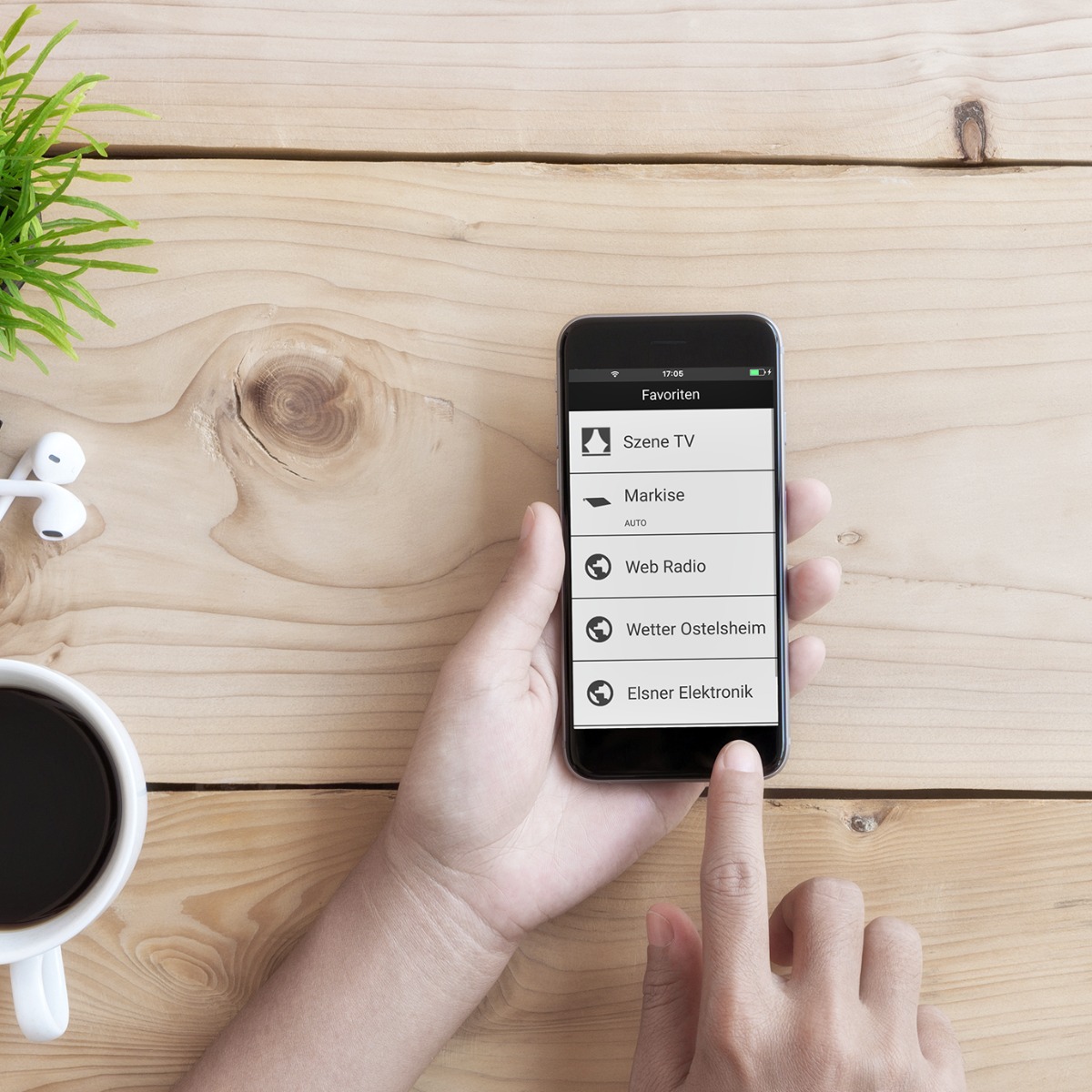
The free WS1000 Connect app on your smartphone provides convenience in the right place. The app allows mobile operation of all control functions.

In any other case, the control centre with the 10.1-inch touch screen is the point of contact for setting and operation of the technology. The start page and manual menu of the controller are individually configured so that frequently used functions can be reached quickly. Those who prefer a separate remote control can add the Remo pro Radio Remote Control and thus also have a flexible touch control.

Normal switches can also be integrated into the control system. They are indispensable for fast operation on site, dor example for the blinds on the patio door or for switching lights.

Mobile with the WS1000 Connect AppMobile with the WS1000 Connect App
Visualise data and extend control

Connect WS1000 Connect to Home Assistant

An open-source integration for Home Assistant, developed by a user, is available for WS1000 Connect. It allows data from the control system to be integrated into Home Assistant via the local network and visualised there. WS1000 Connect functions can also be controlled via Home Assistant.

The integration is an independent community project and is available on GitHub. The automation and protection functions of WS1000 Connect remain active within the control system itself.

Mobile with the WS1000 Connect AppMobile with the WS1000 Connect App
Ready for your plans

Complete package with space for individual wishes and ideas

The WS1000 Connect control includes sensors for weather and interior data. Motors and devices are connected by the electrician to the power section of the control, which is located in the flush-mounted box behind the display. In addition, 32 different components from the remote control to motor control units can be integrated by radio.

Radio technology in particular offers scope for individual and spontaneous ideas. Fountain switching, garden lighting or other special wishes can be easily implemented - now or later. An awning ist to be retrofitted because the terrace is being enlarged? Simply plug an additional radio module between the motor and the power supply. The module is taught-in and is then available in the WS1000 Connect control.

Thus, the WS1000 Connect remains ready for additions, adjustments and new plans at any time.

The most important facts at a glance

The WS1000 Building Control System in numbers

  • Set with control panel, weather station and indoor sensor
  • Control panel with 10.1 inch touch display
  • 4 to 10 drive outputs (depending on model) for awnings, blinds, roller shutters, windows
  • 4 switching outputs for luminaires, heating, cooling, ventilation units, alarm systems
  • 4 switching inputs for motion, smoke or climate detectors, safety contact, lock signal, pulse for automatic reset, binary contact for free use
  • 10 button inputs
  • 32 radio channels (Elsner RF radio)
  • LAN/WLAN connection
The WS1000 building control system in numbersThe WS1000 building control system in numbers

Garantie légale

Avis harmonisé de l'UE sur la garantie légale

Protection offerte par la garantie légale minimale de deux ans sur des biens vendus dans l'Union européenne.

Les consommateurs peuvent faire valoir leurs droits au titre de la garantie légale de conformité, par exemple si les biens:

  • ne correspondent pas à la description;
  • ne fonctionnent pas comme prévu.

Les vendeurs sont responsables de tout défaut de conformité qui existait au moment de la livraison des biens et qui apparaît pendant la période de garantie légale. Les vendeurs se trouvant dans une telle situation sont tenus de proposer:

  • une réparation gratuite ou un remplacement gratuit;
  • dans certains cas, une réduction de prix ou un remboursement intégral.

Dans certains pays, la période de garantie légale est plus longue. Pour les biens d'occasion, une période plus courte peut s'appliquer, mais elle ne peut être inférieure à un an.

Que faire si vous recevez des biens non conformes:

  1. contactez le vendeur dès que possible pour signaler le problème;
  2. fournissez une preuve d'achat, telle qu'un reçu, une facture ou un relevé bancaire.

Les vendeurs et les producteurs peuvent également offrir des garanties commerciales, qui s'appliquent indépendamment de la garantie légale. Par exemple, il se peut que votre bien affiche ce label GARAN, représentant une garantie commerciale de durabilité offerte par le producteur sans frais supplémentaires et s'appliquant à l'ensemble du bien.

Pour en savoir plus sur vos droits dans un pays donné, consultez la page ci-dessous ou demandez au vendeur. https://europa.eu/youreurope/garanties